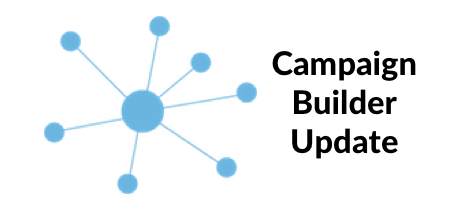
The Campaign Builder is the hub to Mautic’s many spokes. It’s the glue for every interaction with a contact. It’s one of Mautic’s real strengths. But as the platform developed, quite a number of options began appearing in the right menu and creating a campaign involved a lot of scrolling to find the item you wanted. Mautic 2.1 changes all that with a new way of adding actions, decisions and conditions.
The New Campaign Builder
What was becoming a very long dialog box down the right hand side of the page is now a contextual click away.

Just click on a grey anchor and a contextual selection box will appear. Click on the “Select” button and a drop down list of all the options appears. Its clean, simple and effective.
Watch the video for more!
If you’d like to suggest a topic, please head over to the #support channel and message @imrodmartin.